1
Users
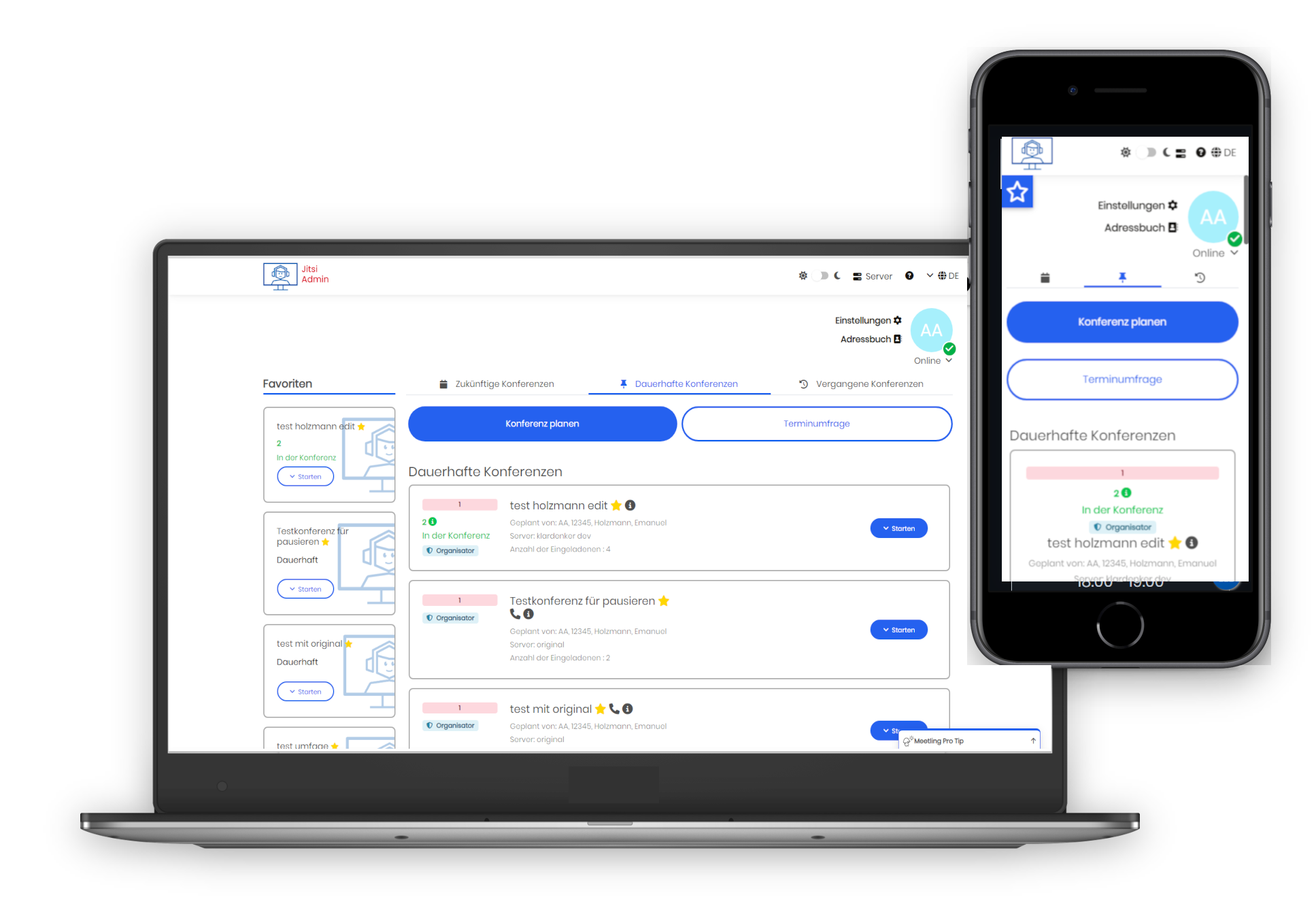
You already use eCloudera Meet and are looking for a convenient way to manage your conferences.
You are looking for a secure and data protection compliant online conference solution.
Use eCloudera Admin for this purpose.
Users
Servers
Conferences

Create a date poll and find the best possible time for your next conference.

Plan your next conference and create a participant list. Unwanted participants will not have access to your conference.
Quickly and easily manage your eCloudera Meet server regarding permissions, design, and features.

The online application is currently available in eight languages.

eCloudera Admin is open source and licensed under AGPLv3.

The source code is published and constantly being developed further.
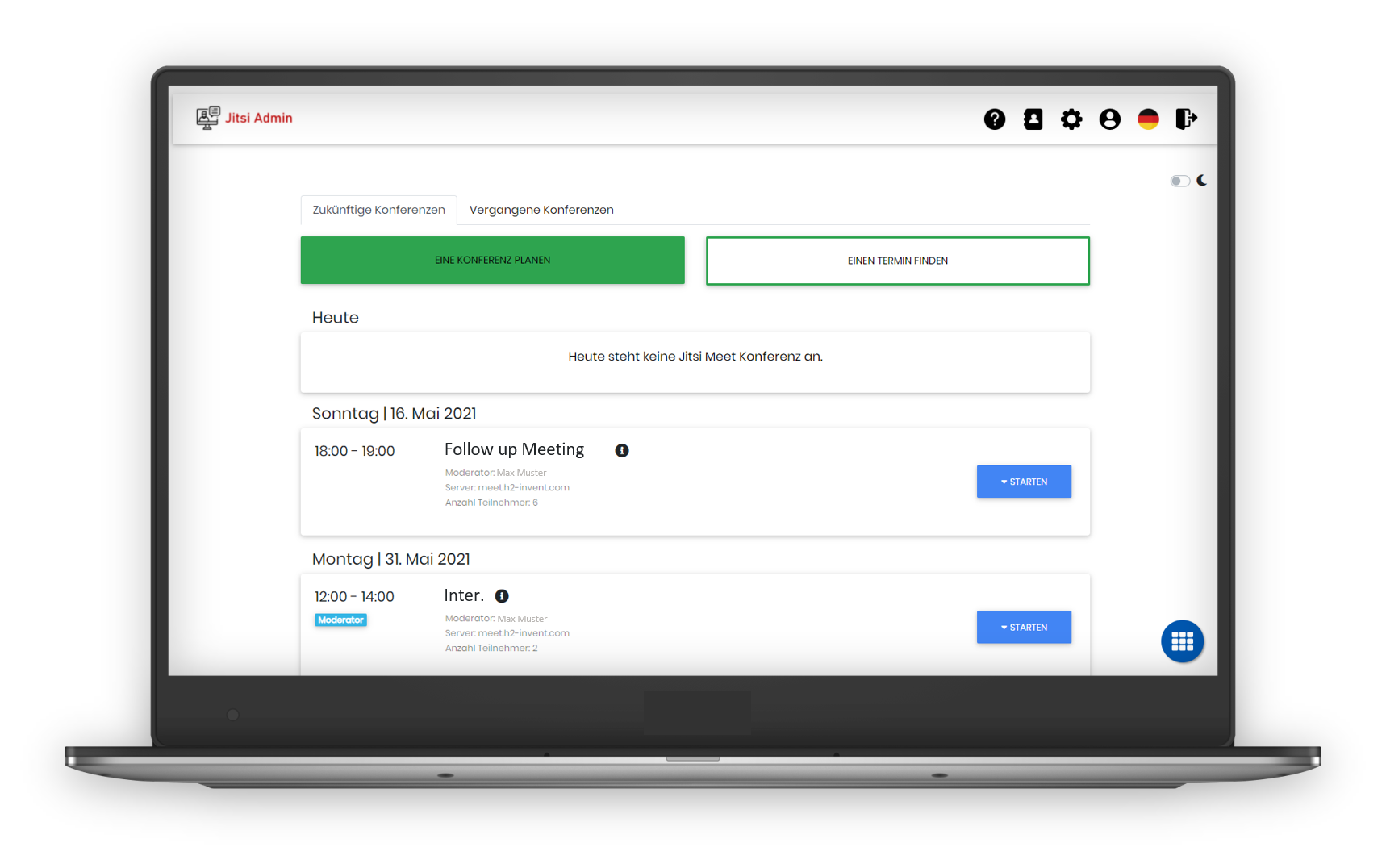
With eCloudera Admin, you can plan an eCloudera Meet conference or start a video chat with friends immediately.
Plan and start a video chat in three simple steps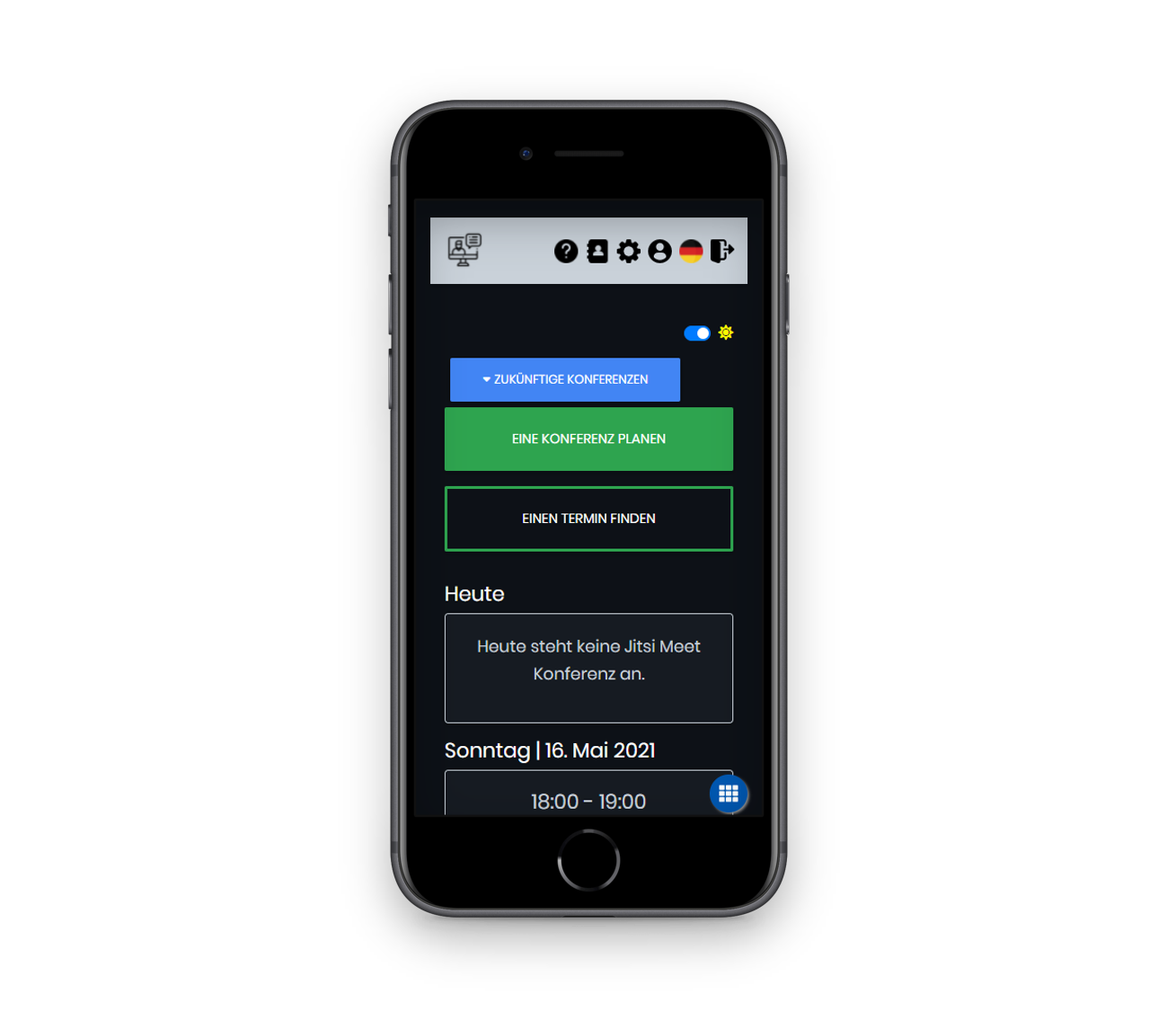
Protect your company and your know-how by operating your own server cluster consisting of eCloudera Meet and eCloudera Admin.

You can manage the participant list at any time, add new participants, or remove those already added.
Depending on the conference, you can allow your participants to share their screens and activate the chat.
Would you like to host a public conference or webinar? Then you can easily plan a conference with eCloudera Admin and send participants a registration link.

Do you want to protect your company's know-how and business information?
Do you want to remain independent from large IT corporations and retain data sovereignty over your video conferences?
We operate your own video conferencing platform on your own servers in your data center or your private cloud.
Integrate your personal eCloudera Meet server into eCloudera Admin and manage it easily online.
The cumbersome management of organizers via the terminal is now a thing of the past.
More about integrating eCloudera Meet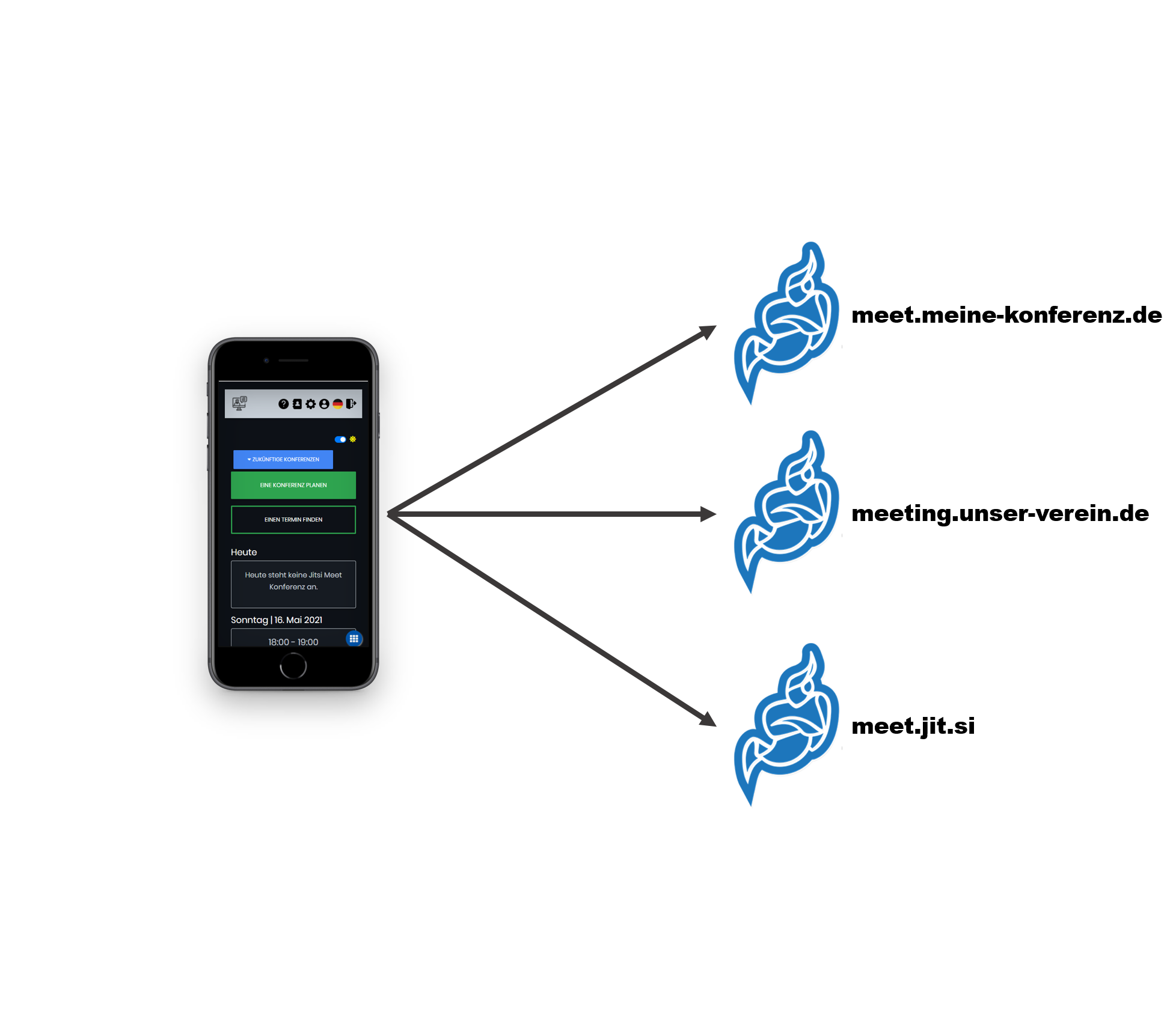
1. Install the eCloudera-meet-tokens extension on your server
2. Adjust the Prosody authentication for using JWT tokens
3. Enter the AppID and AppSecret from your eCloudera Meet server into eCloudera Admin
Start Request